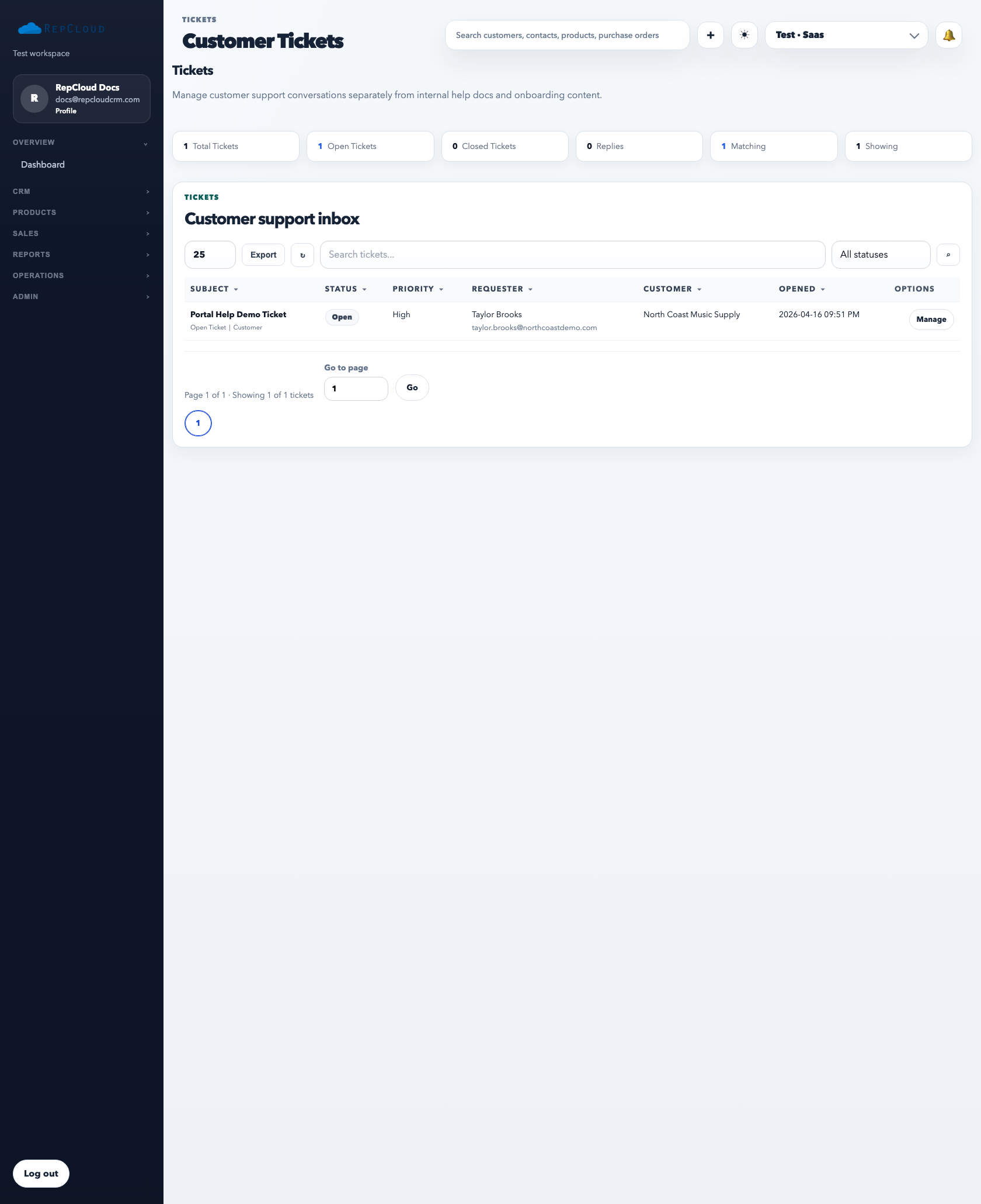
The ticket module is the support queue for the workspace. It exists so customer issues can be tracked, replied to, reassigned, and closed visibly instead of disappearing inside personal inboxes.
The ticket list is the operational support queue. This is where the team should review open demand, not in scattered email threads.
How to use the ticket queue
Open Tickets.
Filter by status when you want to focus on open, closed, or a specific work state.
Search by requester, subject, or customer to find the right case quickly.
Open the ticket detail to review the full thread, internal notes, and replies.
What a healthy support workflow looks like
Every incoming issue becomes a ticket with a visible status.
The right owner or assignee can see the case.
Replies stay attached to the ticket record.
Closed tickets represent real resolution, not just inactivity.
Best practices
Keep statuses current so the queue is trustworthy.
Use the customer relationship link when the case belongs to an account.
Keep subject lines and replies readable because customers may quote them back to the team.
Common mistakes
Replying outside the ticket system and losing the case history.
Leaving tickets open after resolution.
Using vague subjects that make later search impossible.