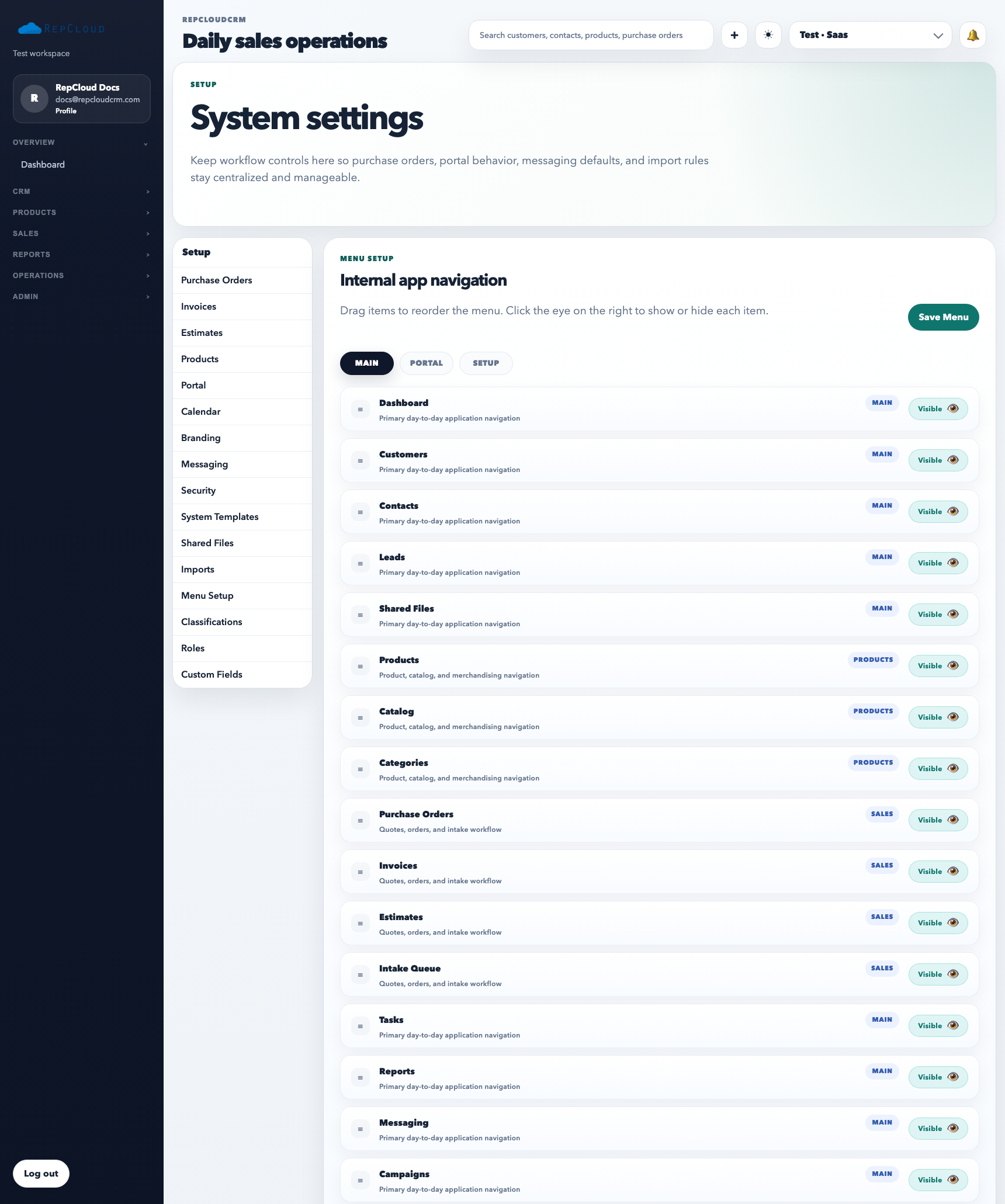
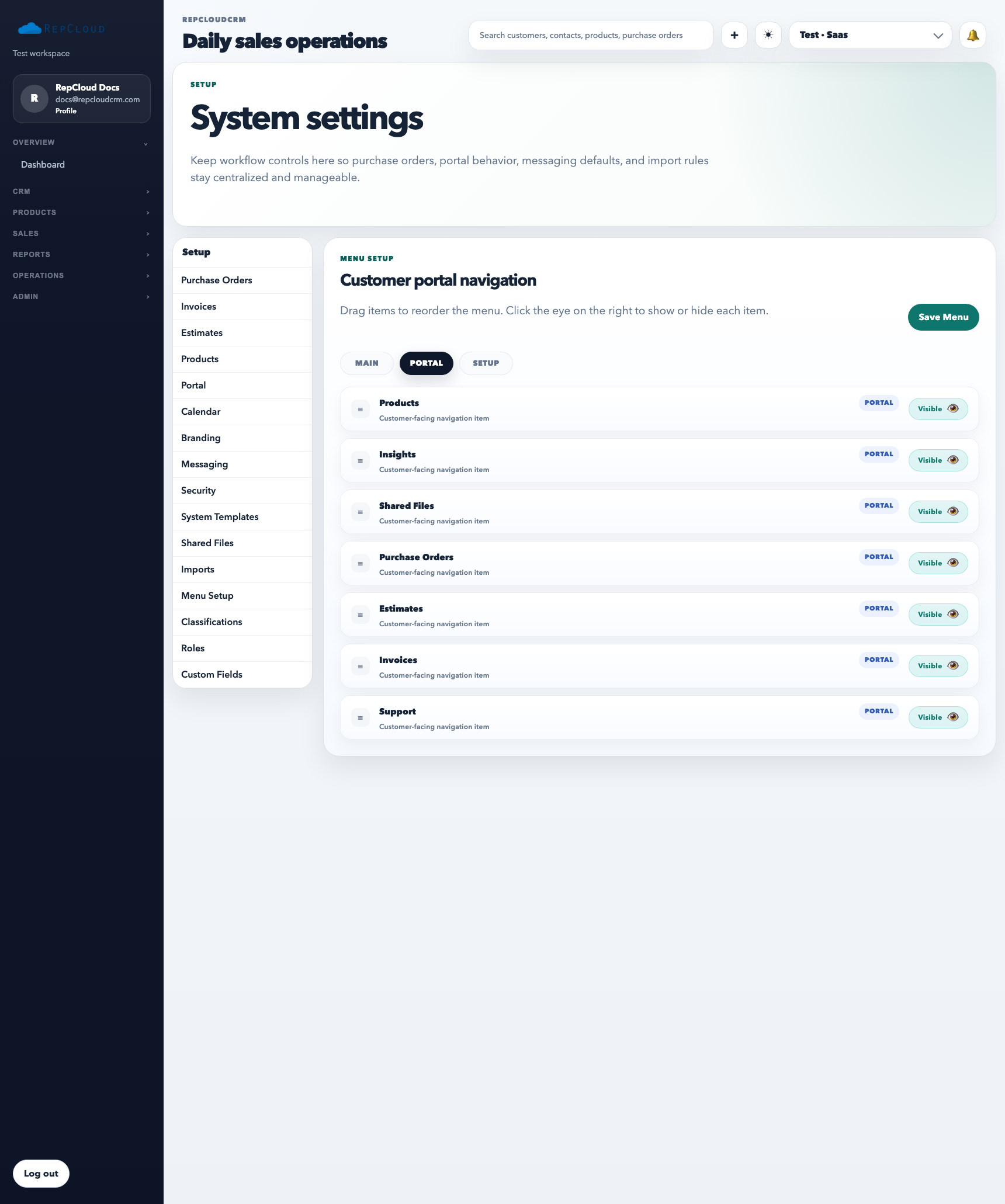
Menu Setup controls how navigation is presented across the app and customer-facing views. It matters because people assume what appears in the menu is what they are supposed to use. Good menu configuration reduces confusion; bad menu configuration creates support tickets.
Use the main menu scope to clean up the internal app sidebar first. Navigation order affects training, screenshots, and how quickly people find the right workflow.The portal scope is separate. Keep customer navigation simpler than staff navigation and hide sections customers do not need.
What Menu Setup is for
Showing or hiding navigation items intentionally
Ordering main workflow sections in a cleaner sequence
Controlling what customers see in the portal
Keeping setup or admin-heavy tools away from the wrong audience
How to use it well
Start from the user’s workflow, not from internal feature inventory.
Keep customer-facing navigation simpler than internal staff navigation.
Review menu changes after adding new modules so the navigation does not drift into clutter.
Best practices
Do not expose sections just because they exist. Expose them because the user needs them.
Use consistent ordering so training and screenshots stay accurate.
When in doubt, simplify the menu before adding more items.