The Imports area is where admins control how external data enters the workspace. This includes migration defaults, import behavior, and connector-adjacent setup. It is the right place to review structure before a large data load, not after bad records land everywhere.
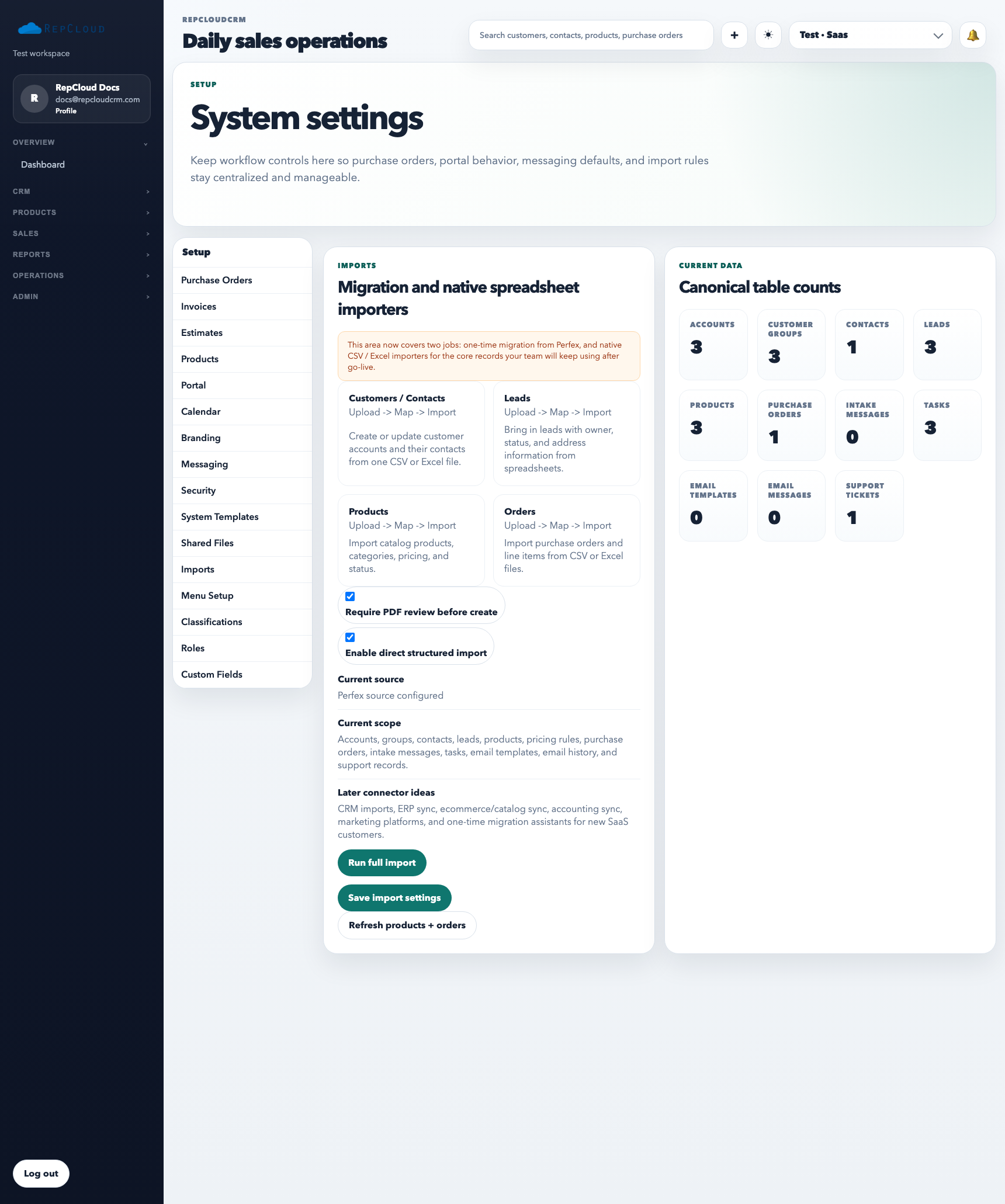
Use Setup → Imports to control migration behavior, review import tools, and keep bulk intake intentional instead of reactive.
What Imports setup is for
Reviewing migration and connector behavior
Setting workspace defaults for bulk data intake
Reducing cleanup caused by preventable import mistakes
Keeping launch or migration projects organized
What to confirm before importing live data
Which records are one-time historical migration work versus recurring operational imports.
Whether review queues, direct-import rules, and parser behavior match the data source you actually have.
Which templates or sample files the team should use so columns and field mapping stay predictable.
How to use it well
Confirm field structure, ownership rules, and default behavior before importing live data.
Use templates and test files first instead of assuming the source data is clean.
Keep a documented migration sequence for accounts, contacts, products, and historical records.
Best practices
Do not treat bulk imports as a shortcut around workspace structure decisions.
Keep imports reversible where possible by staging, testing, and validating counts first.
Make sure the team knows which imports are one-time migration work and which are repeatable operations.
Recommended Next
Add a Customer
Create customer accounts cleanly so ownership, portal access, orders, and reporting all attach to the right record.

