Admin

Setup Classifications

Keep shared classification labels controlled so segmentation, filtering, and reporting do not drift.

Classifications are controlled labels used across CRM, products, filtering, and reporting. They should be managed deliberately because classification drift makes reporting and segmentation unreliable fast.
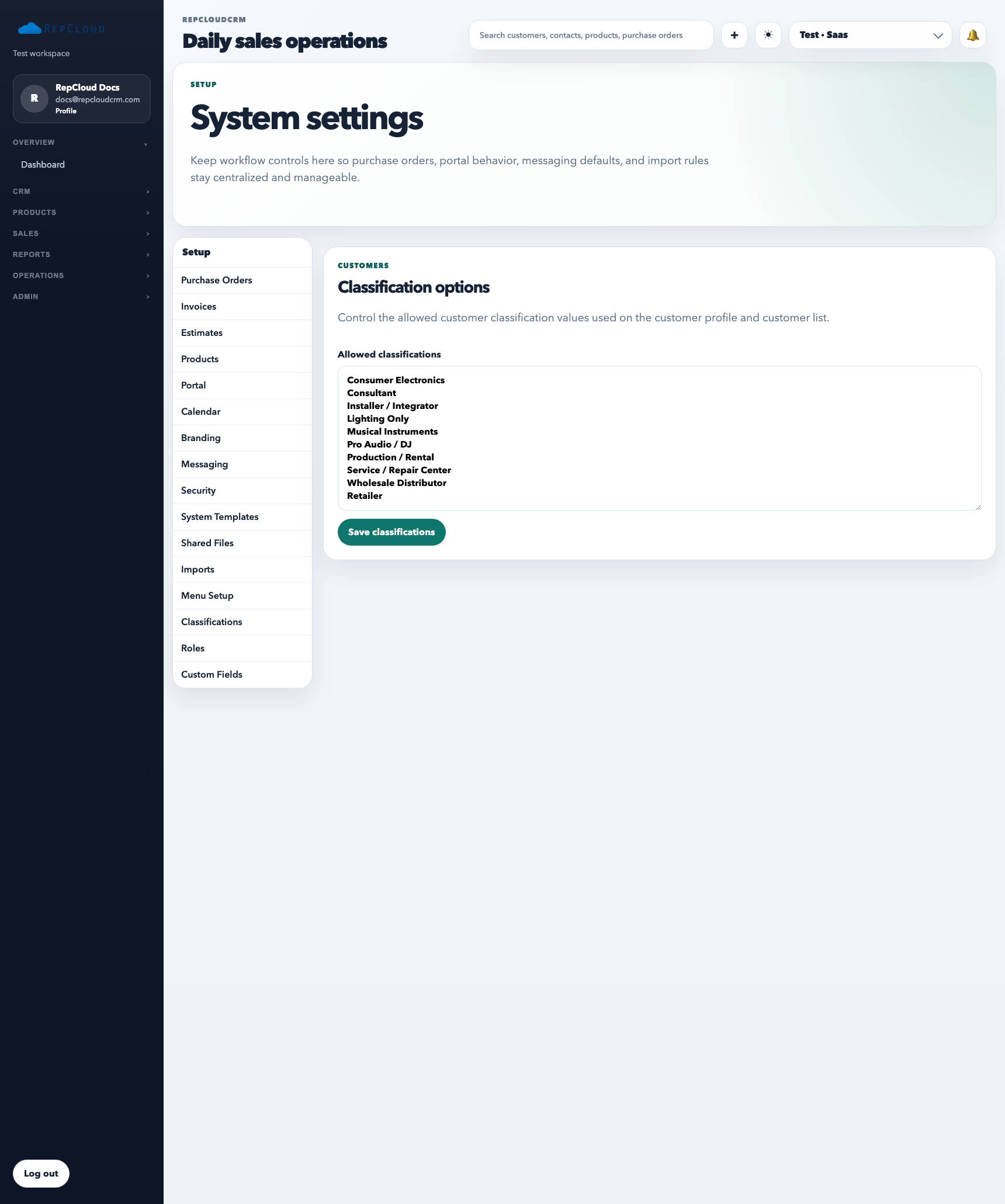
Setup Classifications tab listing shared classification values and add/edit controls.
Classification values should stay controlled and readable. Once staff start filtering or segmenting on them, loose naming becomes a reporting problem quickly.

What Classifications are for

  • Standardizing shared labels used across the workspace
  • Supporting cleaner filters, saved views, and reporting logic
  • Preventing duplicate or overlapping labels that mean almost the same thing

How to use it well

  1. Define a small controlled set of values before broad staff use.
  2. Review existing labels before adding new ones so you do not create synonyms by accident.
  3. Retire unclear or duplicate values instead of letting them accumulate.

Best practices

  • Make classifications stable enough for reporting, not reactive to every short-term idea.
  • Document what each classification means if multiple departments rely on it.
  • Keep naming short, clear, and consistent.

