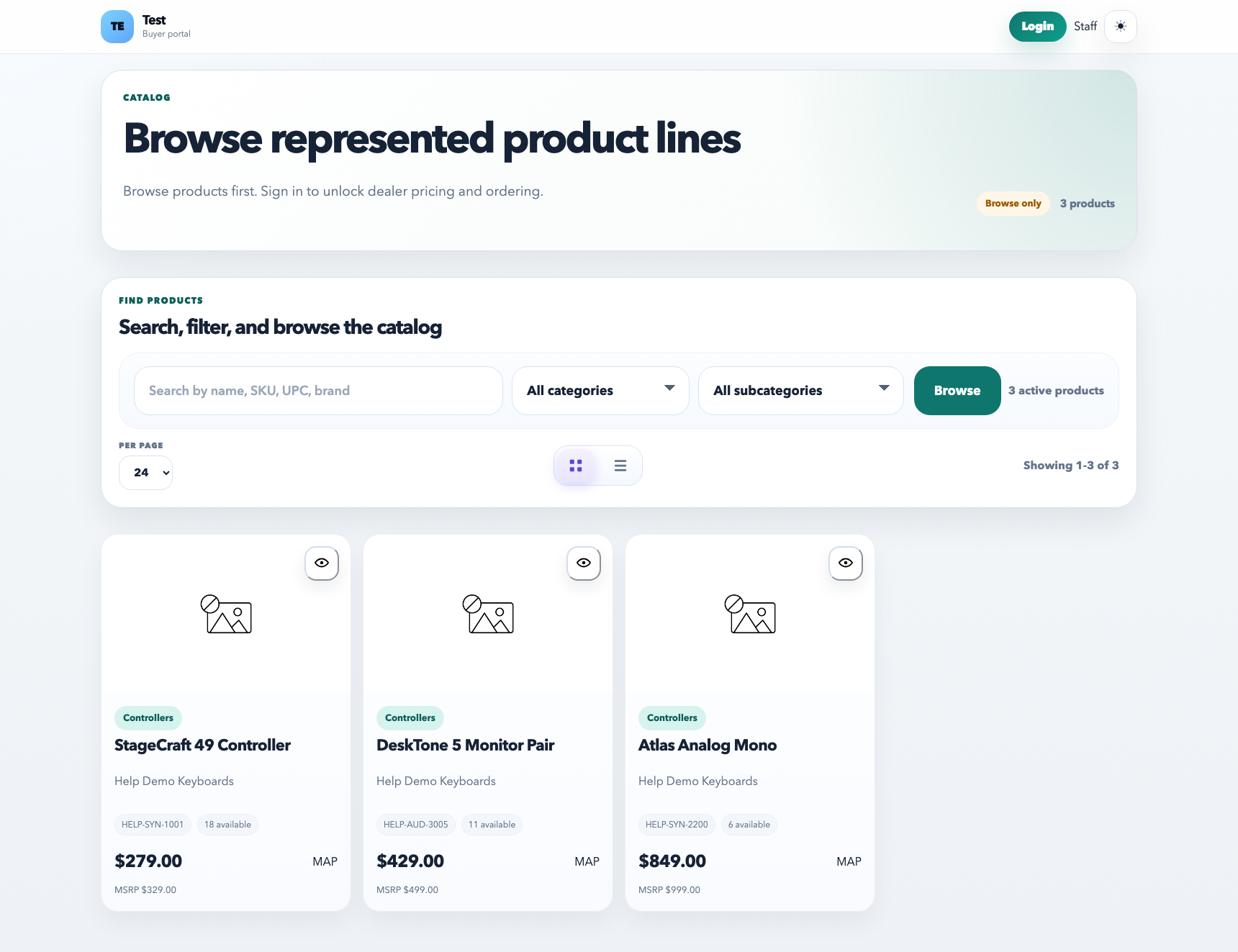
Send Cart to Dealer lets staff prepare a suggested product cart and send it to a customer contact. It is useful for quote follow-up, promo suggestions, opening orders, seasonal buys, and targeted product recommendations.
Start from the catalog or shop flow, add the right products and quantities, then send the prepared cart to the dealer contact for review.
Recommended workflow
Use the catalog or shop view to add the products and quantities you want to recommend.
Open the cart and choose the customer or dealer contact that should receive it.
Review pricing, quantities, and any customer-specific discount behavior before sending.
Save and send the cart so the recipient gets a link to review the suggested order.
What the dealer sees
The suggested cart opens in the customer-facing shop context.
The dealer can review products, quantities, and pricing based on their account access.
Staff can update and resend a suggested cart when the recommendation changes.
Best practices
Use suggested carts for curated recommendations, not broad catalog blasts.
Confirm the right customer account and contact before sending.
Keep product images, descriptions, pricing, and attributes clean so the cart feels ready when the dealer opens it.