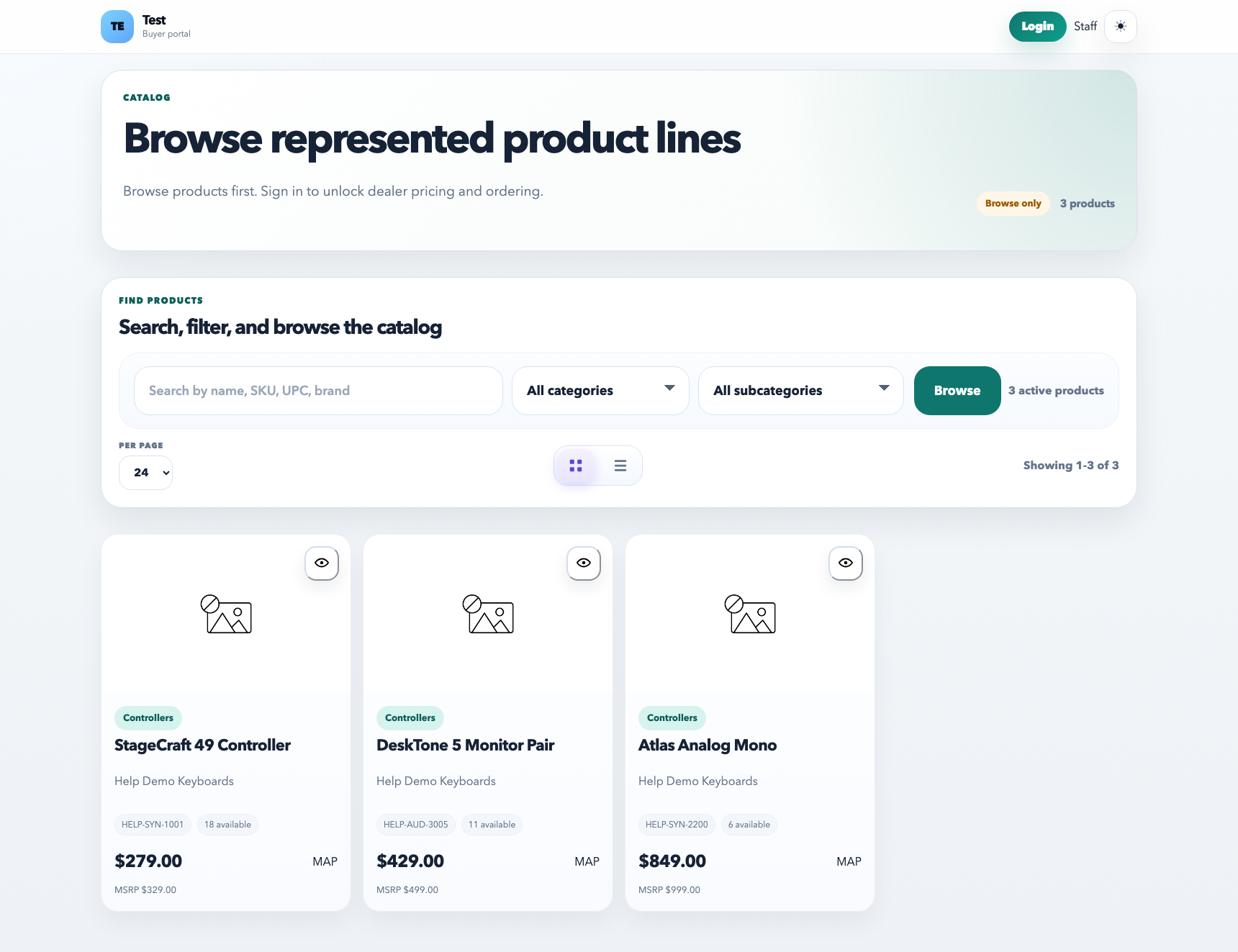
The Catalog is the curated view of products that supports browsing and selling. It is not the same job as the internal product directory. The product directory is for maintaining SKUs; the catalog is for controlling what people can browse, compare, and shop from.
The catalog is the browseable layer. Use it to inspect the customer-facing product experience after fixing SKU data in the internal product directory.
What the catalog is for
Browsing products in a cleaner customer-facing or sales-facing layout
Reviewing media, pricing visibility, and product readiness
Confirming whether the customer shop experience is usable before sharing it
Checking how category structure actually feels in a browsing context
How to use it well
Use the product directory to fix SKU data first.
Use the catalog to review the browsing experience and what customers will actually encounter.
Check category filters, media, and product detail pages from the catalog view before pushing customers into the shop.
Best practices
Think of the catalog as presentation, not raw product maintenance.
Use it to spot missing media, awkward names, and category issues the directory view can hide.
Check portal restrictions and category restrictions if certain products should not appear for every customer.
Common mistakes
Editing browseability problems in the catalog when the underlying product record is still wrong.
Assuming the customer shop will look fine just because the product directory row looks complete.
Forgetting to review category restrictions, portal visibility, or media before sharing the shop link broadly.
Recommended Next
Send Cart to Dealer
Prepare suggested carts for dealers, send them for review, and let customers act from the shop experience.