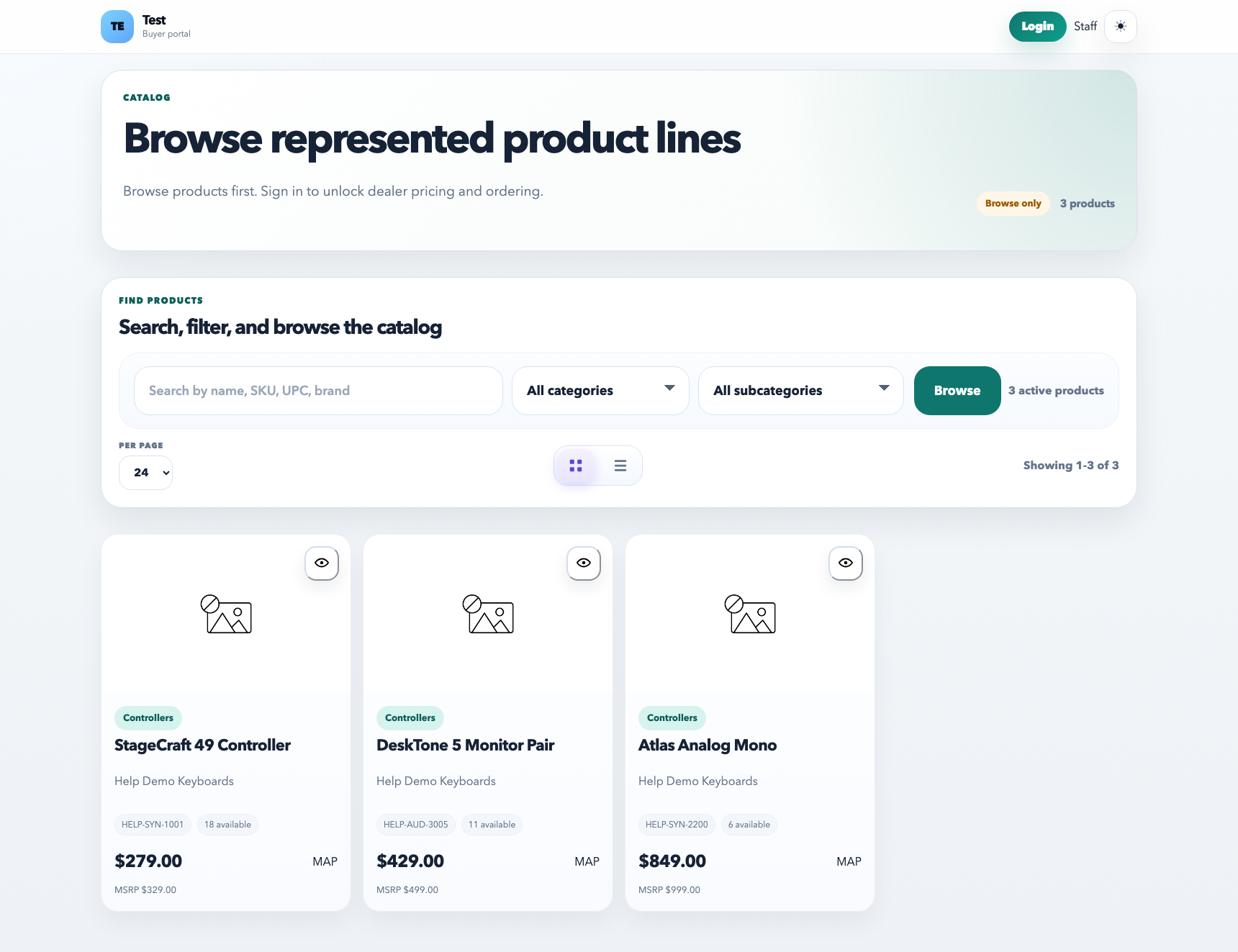
Catalog filters are powered by product data and product attributes. Categories and brands answer broad browsing questions, while attributes describe product-specific details such as speaker type, key size, guitar style, color, or size.
The catalog filter panel should help customers narrow real product traits, not repeat brand names or show irrelevant attributes.
How to think about product type
Product type should describe what the item is, not repeat the brand. Good examples include powered speaker, subwoofer, lighting fixture, guitar, drum module, drum pad, keyboard, controller, case, stand, and accessory.
How attributes should be used
Use existing attributes when the value already exists, so filters stay consistent.
Create a new attribute only when the catalog needs a new reusable filter value.
Use one empty attribute row for a new product, then add more rows only when the product really needs them.
Keep attributes specific: guitar style belongs separately from product type, and key size belongs only on keyboard-like products.
Examples
Montarbo: product type can be powered speaker, subwoofer, line array, point source, mixer, or accessory; attributes can include speaker size and powered/passive.
EKO: product type should be guitar or bass where appropriate; attributes can include electric, acoustic, bass, 5-string, 6-string, body style, and color.
EFNOTE: product type should be drums, drum module, drum pad, cymbal pad, hardware, or accessory, not a vague instrument label.
Lighting brands: use product types such as par, bar, moving head, uplight, controller, case, or cable instead of generic brand values.
Filter behavior
Filters should combine predictably, and selected filters can be cleared one at a time.
Only show filters that are meaningful for the current catalog result set when possible.
Do not assign irrelevant attributes just to make a filter appear.