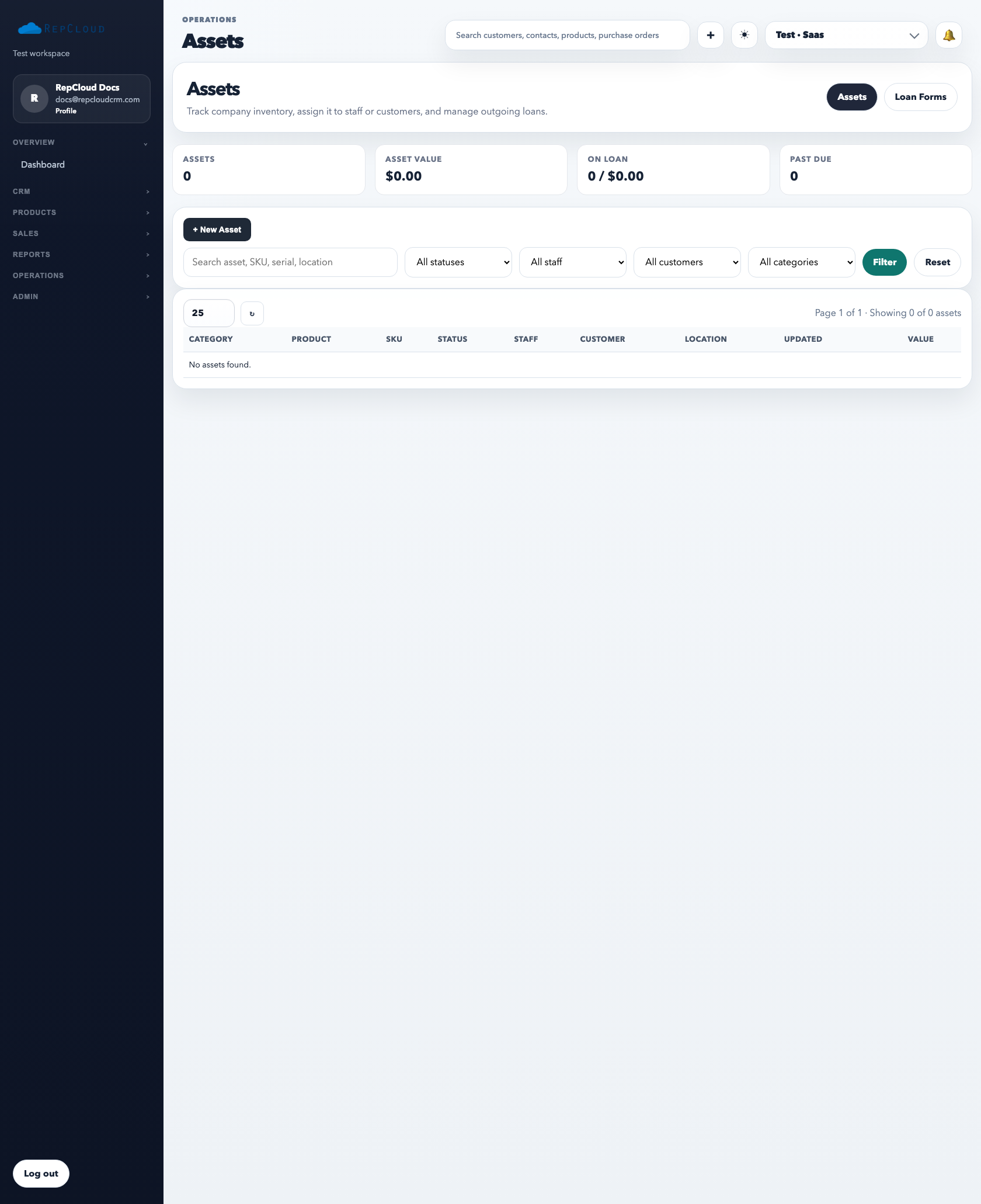
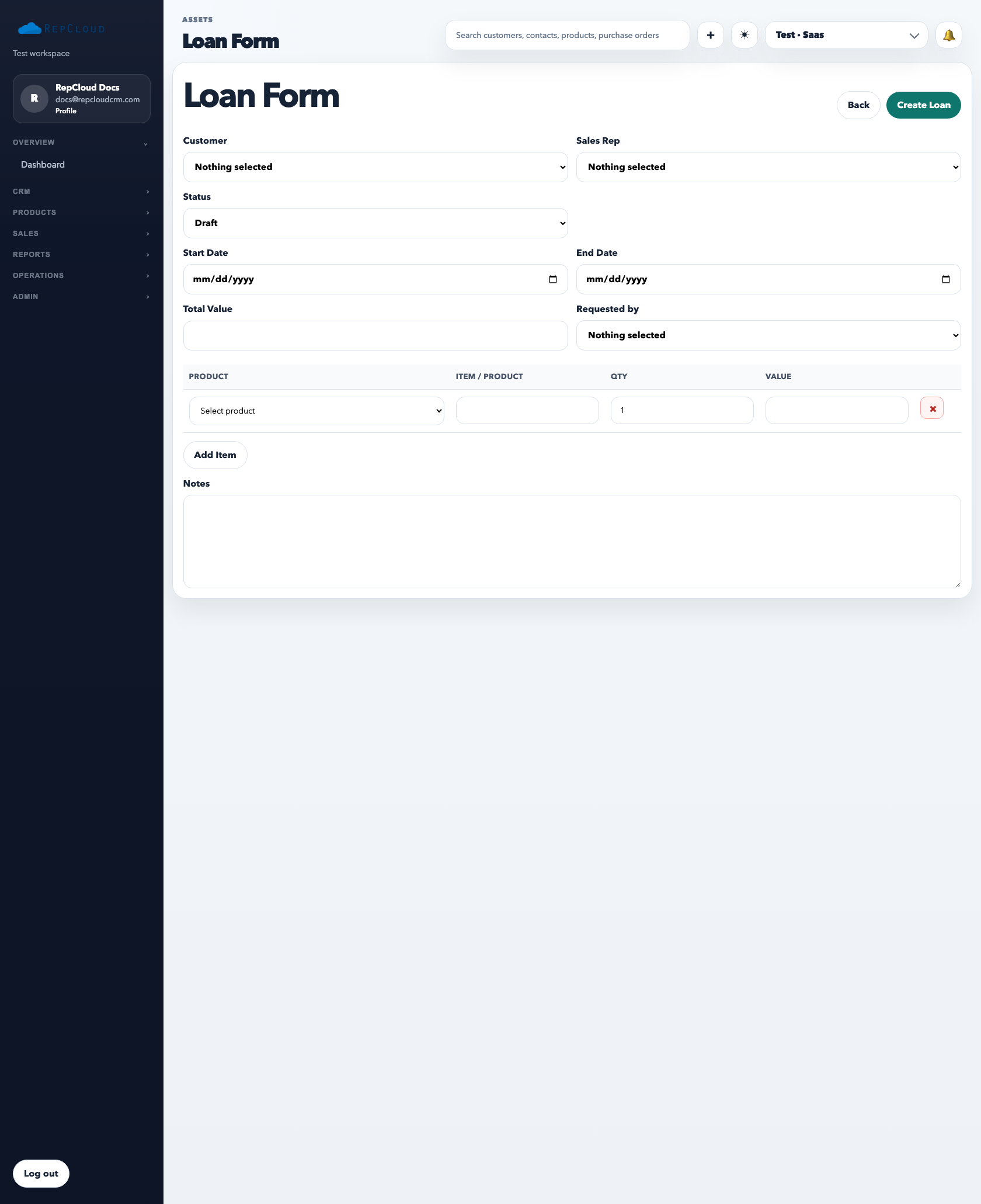
The assets module is for company-owned inventory that the team needs to track operationally. It is different from the sellable product catalog. Assets are things you own and manage internally. Products are things you sell.
The asset directory is where operations staff track what the company owns, where it is, who has it, and whether it is available, on loan, or overdue.
How to use the asset directory
Open Assets.
Use search and filters to find gear by SKU, serial number, customer, staff member, or category.
Edit the asset record whenever status, location, assignee, or value changes.
Review loan and overdue metrics so missing gear does not disappear quietly.
Loan forms are the accountability layer. Use them whenever equipment is leaving normal storage and needs a borrower, a date range, and a clear return expectation.
When to use a loan form
Demo gear going to a customer
Internal staff checking out company equipment
Temporary installs, reviews, or service replacements
Best practices
Use serial numbers whenever possible.
Keep status accurate. An asset that is really on loan should not still show as active inventory in storage.
Use loan records consistently so overdue items become visible.
Common mistakes
Tracking demo gear only in notes or email instead of the asset system.
Failing to update the asset after a return.
Mixing sellable product inventory with company-owned tracked assets.