Setup is where workspace-wide behavior is configured. Billing is where plan, usage, invoice history, and subscription state are reviewed. The two areas are related, but they serve different jobs.
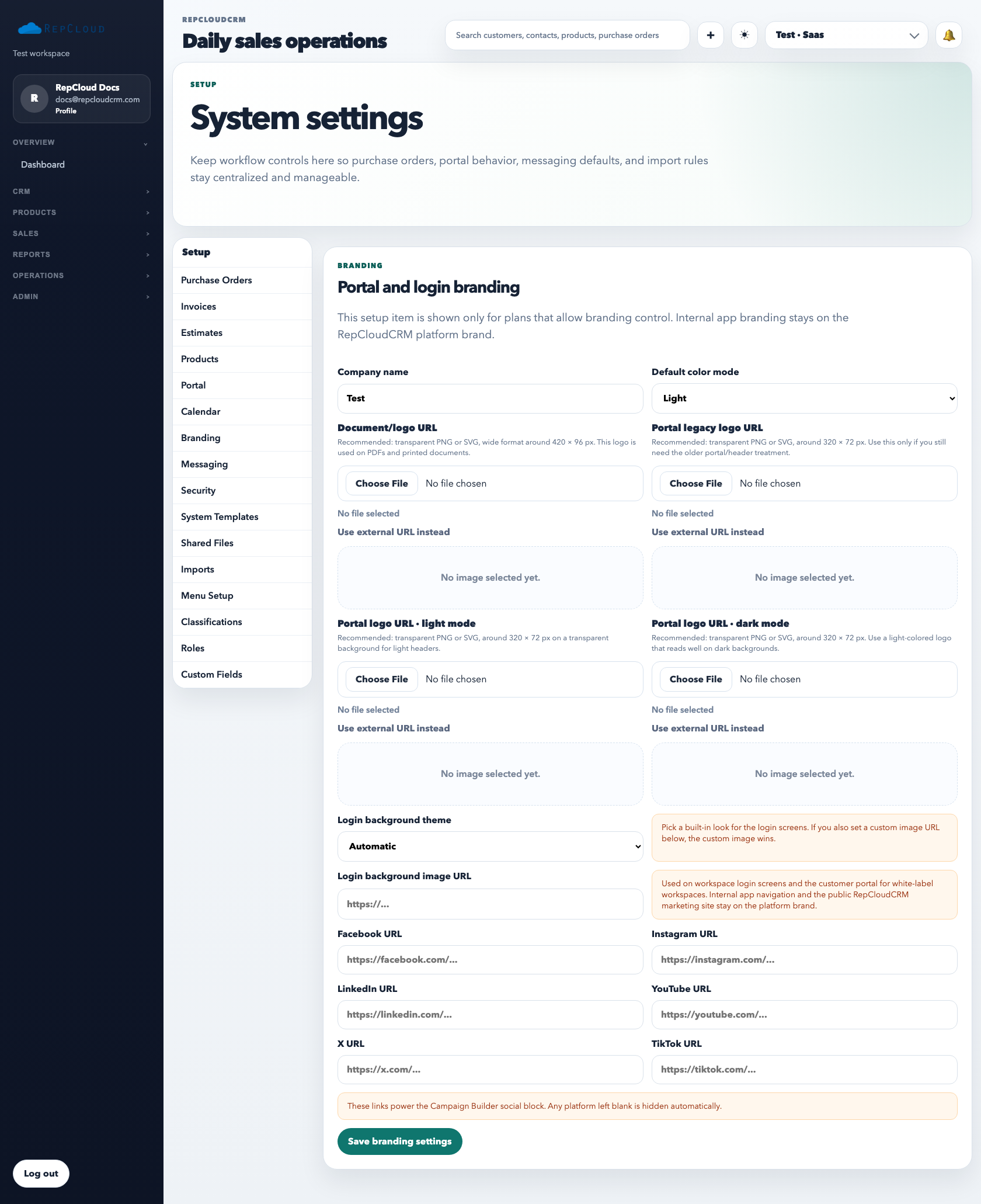
Setup is the system configuration area. This is where you define workspace-wide defaults, branding, messaging behavior, menus, portal settings, and other admin-level controls.
How to think about Setup
Branding: customer-facing logo, login, and portal appearance.
Roles: reusable permission design for staff.
Messaging: SMTP and sender configuration.
Portal: customer access behavior and portal settings.
Use Setup for durable system behavior, not one-off operational edits. If a setting should apply to the entire workspace, it usually belongs here.
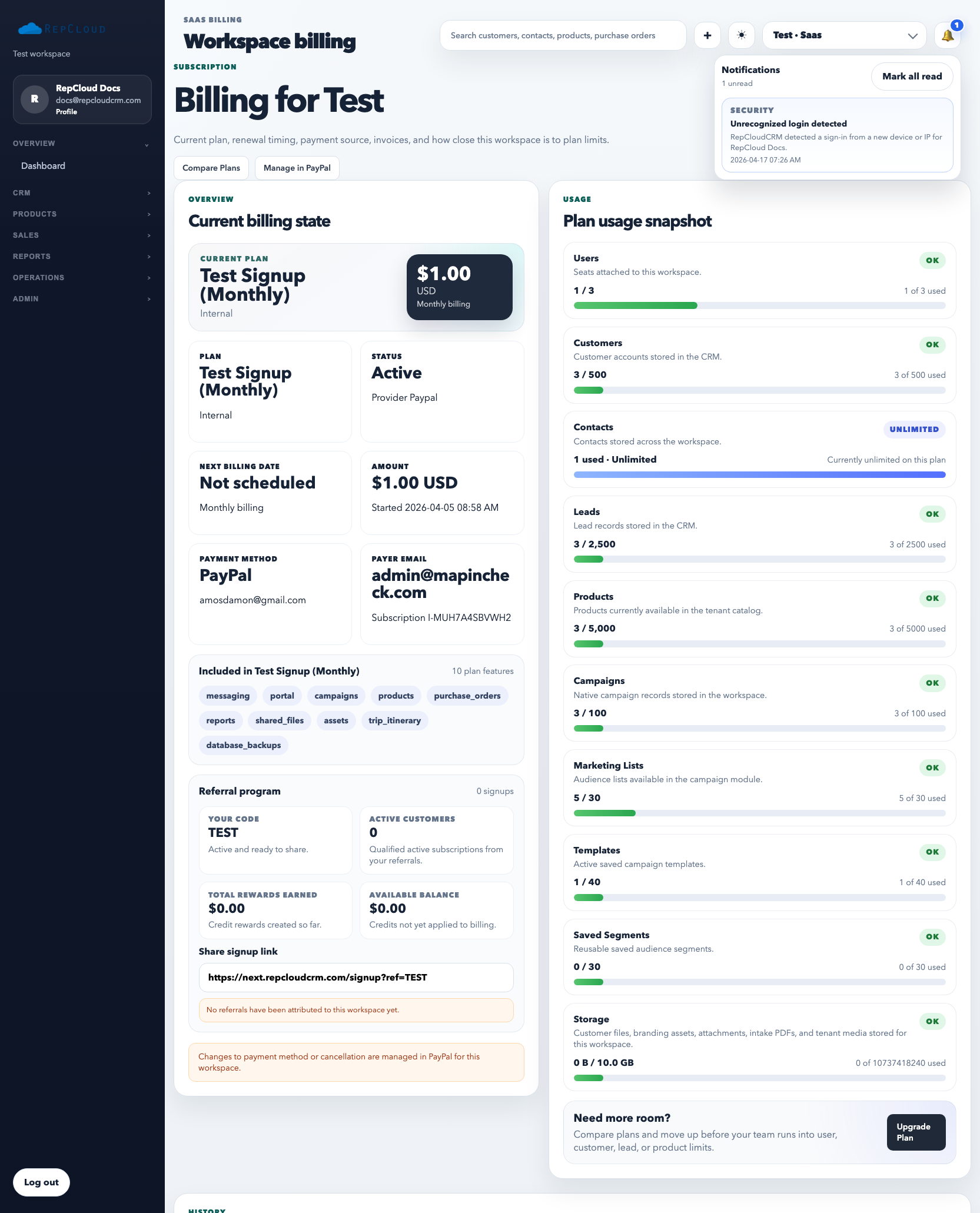
Billing is the workspace’s commercial dashboard. It shows what plan is active, how usage compares to limits, and what invoice or referral activity exists.
How to use Billing
Review the active plan and billing status first.
Check usage rows when you need to understand whether the workspace is approaching a limit.
Review invoice history for billing documents and status.
Use the referral section when the workspace participates in the referral program.
Best practices
Keep Setup changes controlled. Too many casual admin edits create drift.
Review usage before a limit becomes a problem.
Treat Billing as the truth for plan fit and invoice history, not informal notes.
Common mistakes
Using Setup for one-off operational work instead of durable settings.
Ignoring usage until the workspace is at or over a plan limit.
Making branding, permissions, and messaging changes without documenting who approved them.