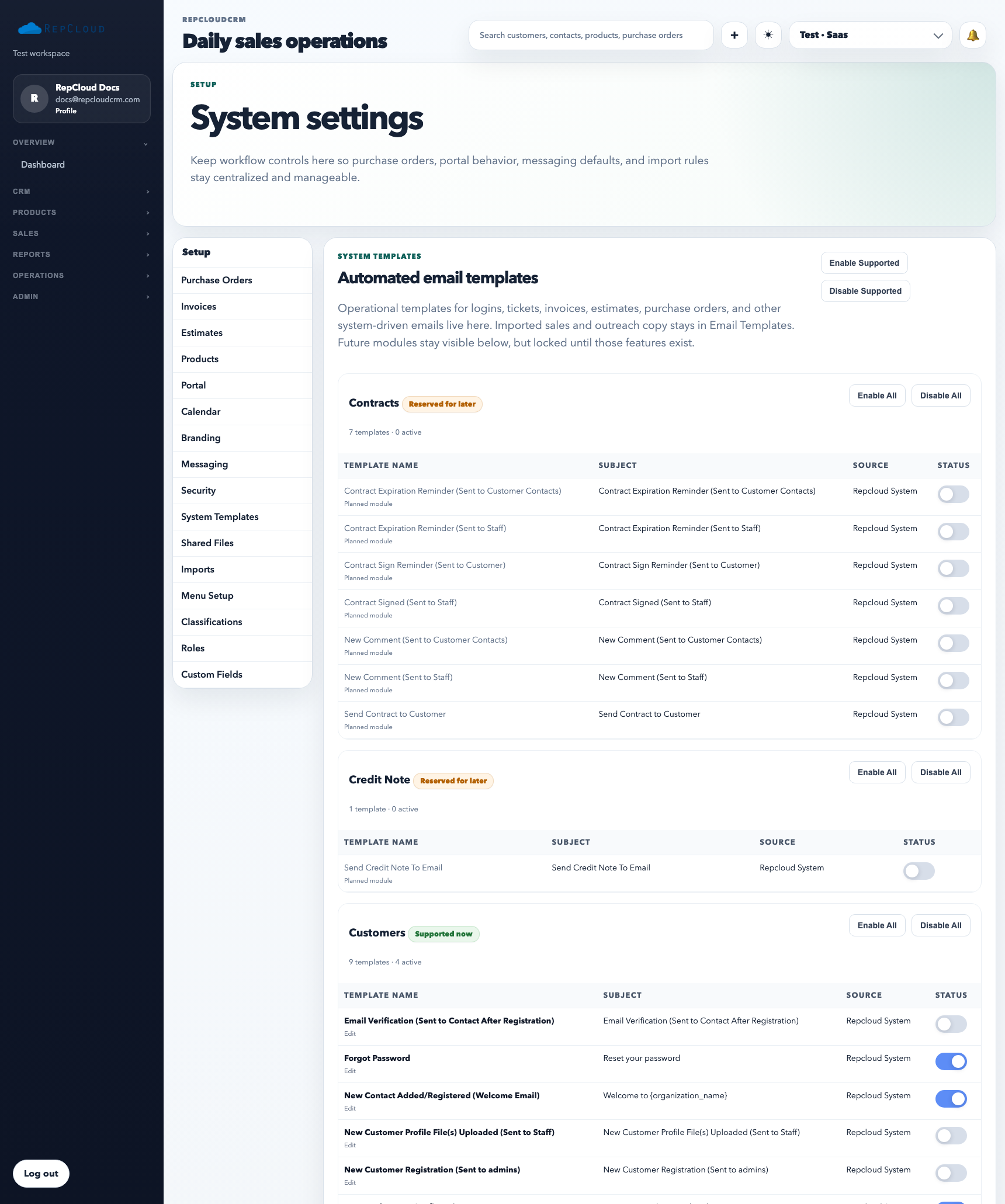
System Templates are the reusable message blocks the workspace relies on for standardized communication. They are not the same as campaign templates or one-off CRM email templates. These are the platform-level templates that should stay controlled and intentional.
System Templates live in Setup because they support standardized app-driven communication. They are maintained centrally, not inside the campaign builder.
What System Templates are for
Maintaining consistent system-driven wording
Reviewing default message content before it reaches customers or staff
Keeping recurring platform communication aligned with branding and process expectations
Keep the three template types separate
System Templates: app-generated, standardized messages controlled from Setup.
Campaign Templates: reusable marketing layouts used inside Campaigns.
CRM Email Templates: saved copy for manual one-to-one or direct CRM communication.
How to use it well
Review the existing template before editing so you understand where it is used.
Keep tone, naming, and brand references consistent across all system messages.
Test important changes before rolling them into a live workspace with active customers.
Best practices
Use System Templates for repeatable system communication, not ad-hoc messaging.
Coordinate template edits with branding and messaging owners when customer-facing wording changes.
Keep legal, billing, and login-related template language especially controlled.